
How WhyDrive works
No endless phone calls.
No unnecessary hassle.
One request reaches participating independent local taxi operators through WhyDrive. You see your route and fare up front, then follow your booking from confirmation to pickup.
Three simple steps
From request to pickup, all in one app.
Step 01
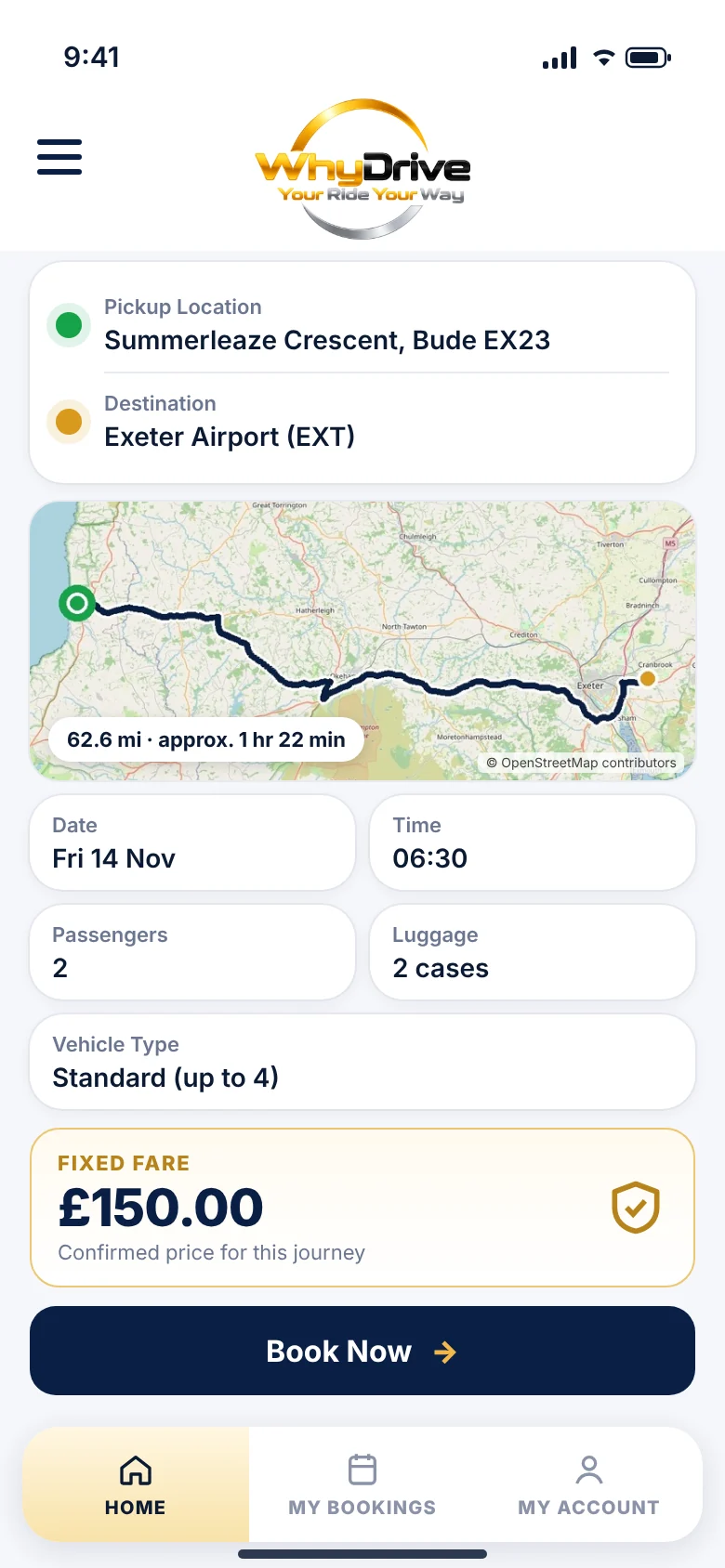
Tell us where
Enter your pickup location, destination and journey requirements.
- Choose your date and time — travel now or book in advance.
- Set the number of passengers and pieces of luggage.
- Pick a suitable vehicle type, from a standard car to a larger MPV or minibus.
- Add flight or train details and booking notes for your driver.
Step 02
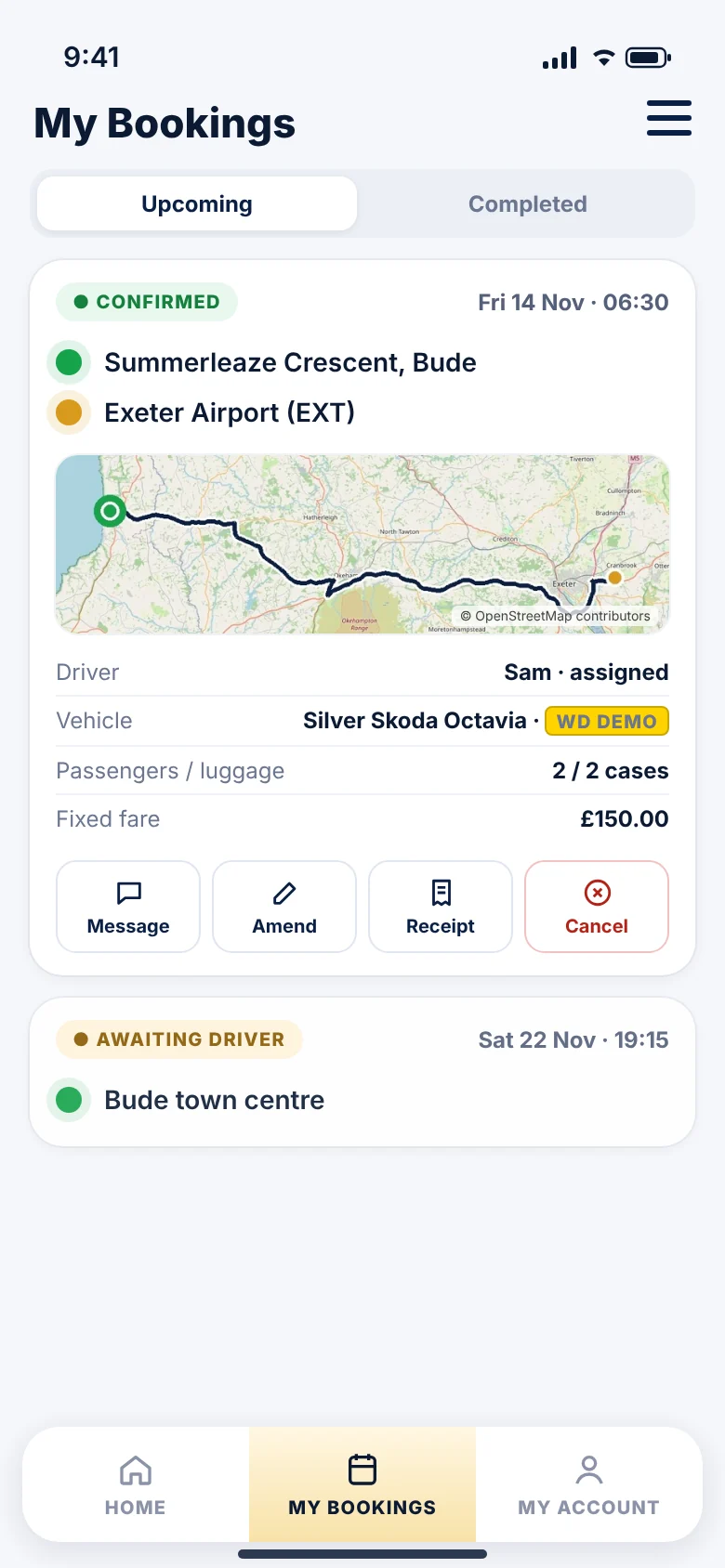
Find your local taxi
See your journey route and price before you commit, then request the journey through WhyDrive.
- WhyDrive connects your request with suitable participating independent taxi operators.
- Suitability takes into account the vehicle you need, passengers, luggage, timing and location.
- You'll be told when your booking is confirmed and when a driver is assigned.
Booking availability and confirmation are subject to a suitable driver accepting or being assigned. If no suitable driver is available, the app will tell you.
Step 03
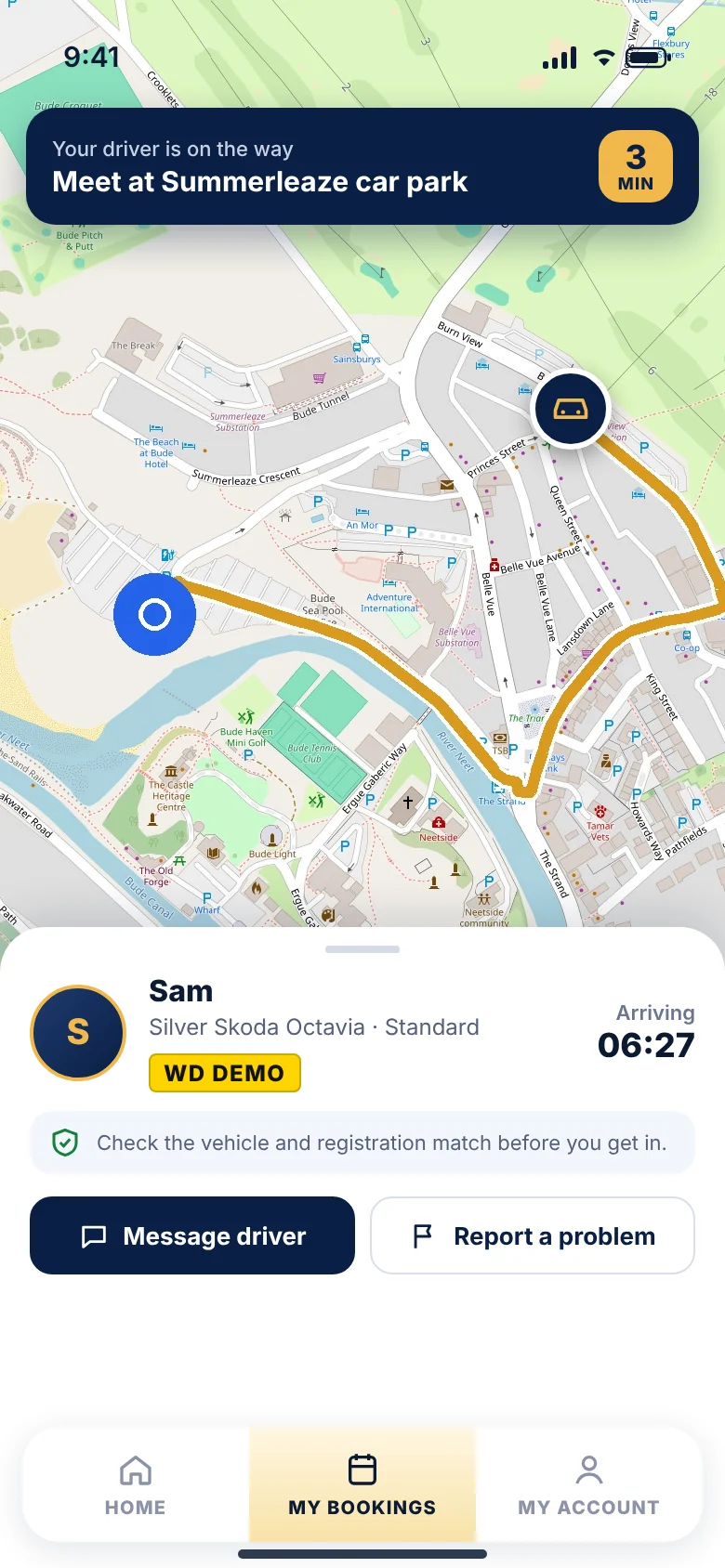
Stay connected
Everything about your journey is kept conveniently in one place.
- Receive booking updates, including confirmations, driver changes and cancellations.
- See your assigned driver and vehicle details.
- Message your driver through the app.
- See the vehicle's live location when tracking becomes available for your booking.
App screens are illustrative examples with fictional names, vehicle and booking details. Map data © OpenStreetMap contributors.
Features
Built for real local journeys.
From a quick hop across town to an early-morning airport run.
Book now or in advance
Request a journey for today or reserve a date and time ahead.
Journey maps
Set pickup and destination by address or on the map and see your route.
Fares shown up front
A fixed fare where one applies, or a clearly labelled estimate.
Driver & vehicle identification
Driver name, vehicle and registration so you know what to look for.
Booking confirmation
Clear confirmation of your booking and its current status.
Live driver tracking
Follow your driver's approach when tracking is available for your booking.
In-app messaging
Message your driver about your booking from inside the app.
Notifications
Alerts for confirmations, driver changes, arrival and cancellations.
Airport transfers & longer journeys
Airports, rail stations and long-distance trips, with terminal and flight details.
Booking history & receipts
See past and upcoming bookings and request a receipt.
Customer safety features
Vehicle checks, "driver not arrived" reporting and lost property reports.
Verified accounts
Your mobile number is verified by one-time code to protect bookings.
Fares
Honest fares, clearly labelled.
Estimates are worked out using the applicable legal and commercial pricing rules for the journey, including time of day, vehicle size and route.
WhyDrive won't describe an estimate as a fixed price. The app tells you which kind of price you're looking at.
Fixed fare
For routes with a set price, the app shows FIXED FARE — the price confirmed for that booking, unless you change the journey.
Fare estimate
Where a journey is priced on distance and time, you'll see a FARE ESTIMATE. The final lawful charge may differ, for example if the route or waiting time changes.
Quote required
Some journeys need checking before a price can be given. The app shows QUOTE REQUIRED rather than guessing.
Safety & your data
Secure communication. Responsible data handling.
We collect what's needed to arrange and support your journey — nothing more.
Encrypted connections
The app and website use encrypted (HTTPS) connections to send and receive your information.
Contact through the platform
Message your assigned driver in the app, so you don't need to share personal phone numbers.
Shared only where needed
Your journey details go to the operator and driver handling your booking. Other drivers don't see your personal details.
Ready when you are.
Open the WhyDrive booking app, tell us where you're going and see your route and fare in moments.